Import
Load exchange CSVs or demo data. Review warnings and source overlaps before relying on reports.
 Gainz
Download
Gainz
Download
Walkthrough
Gainz is built around review, not magic. Import what you have, declare what you hold, review what is missing, then generate a packet that shows both results and open questions.
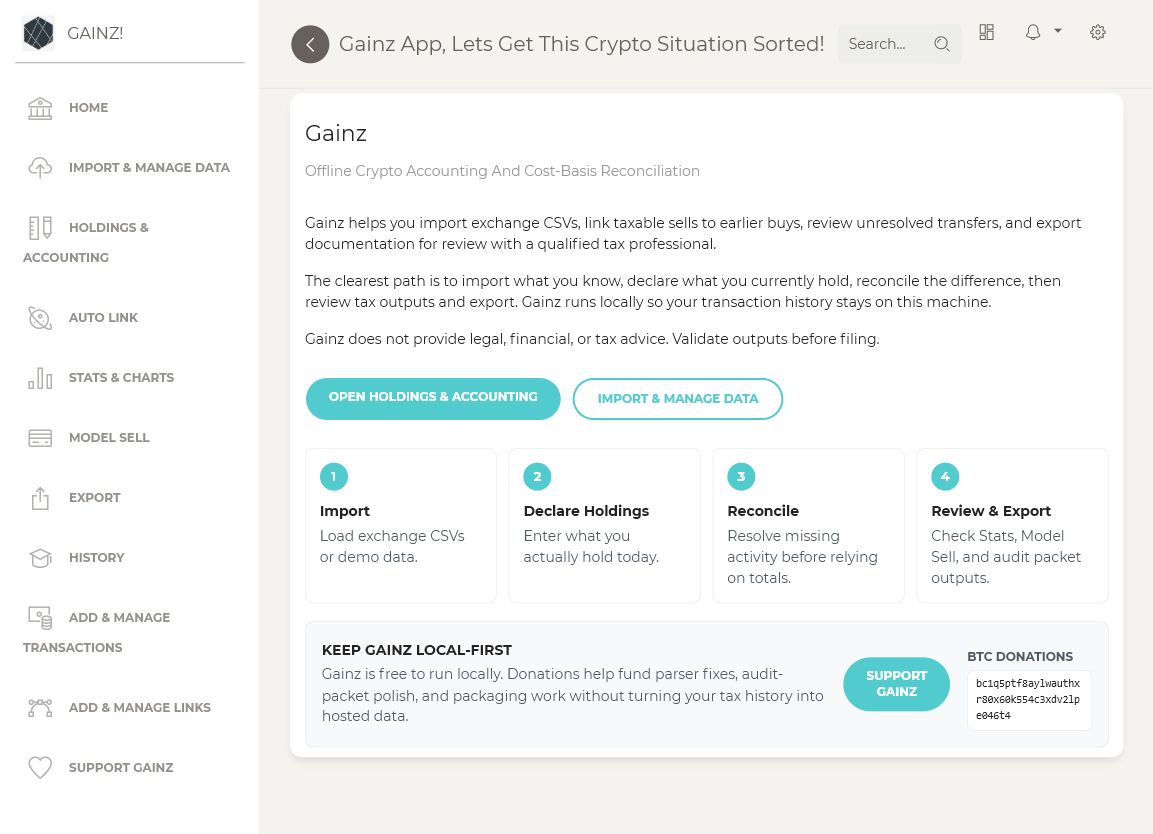
Load exchange CSVs or demo data. Review warnings and source overlaps before relying on reports.
Enter current holdings. Gainz compares declared holdings to imported buys, sells, sends, receives, and lots.
Gainz applies FIFO automatically to supported earlier lots. Review only the quantity that still lacks basis.
Scan by reference, confirm filed totals, and keep prior-year evidence separate from calculations.
Select a treatment, review its exact impact, apply it only with support, then preview and export the packet.
`FOR_CPAS.md` and `CPA_HANDOFF.md` explain status, review order, and taxpayer questions.
`PACKET_STATUS.md` and the work order list unresolved issues instead of hiding them.
Copied files, reference-only evidence, missing paths, sizes, and hashes are itemized.
Workbook, Form 8949-style CSVs, holdings reconciliation, import warnings, and tax evidence inventory.
Inspect the synthetic sample packet before importing your own transaction history.