Install Gainz
Download the ZIP for your operating system, unzip it, and open the Gainz app.
 Gainz
Download
Gainz
Download
First-time path
Gainz is for people who need to understand messy crypto records before handing a packet to a CPA. This path gets you from install to a draft packet without needing GitHub knowledge.
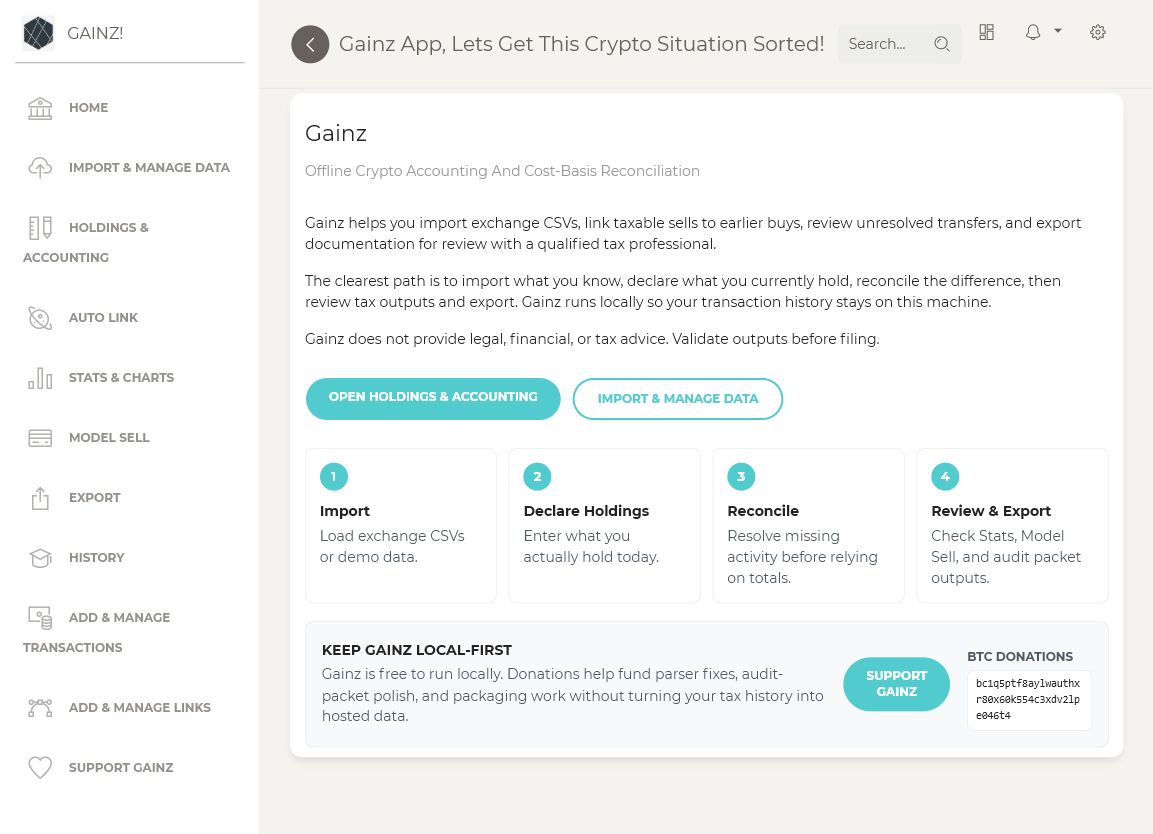
Download the ZIP for your operating system, unzip it, and open the Gainz app.
Use demo CSVs first so you can see the workflow before importing private records.
Load exchange CSVs, add manual rows when needed, and review import warnings.
Enter what you currently hold. Gainz then compares that target with imported activity and supported lots.
Review one gap at a time, preview any professional treatment, then generate a clearly labeled packet.
Cash App, Coinbase, GDAX/Coinbase Pro, wallet exports, and any other exchange CSVs you used.
The amount you currently hold by asset across exchanges, wallets, and custody accounts.
Filed returns, Form 8949, Schedule D, payment receipts, CPA workbooks, and notes.
Gainz is strongest when it helps identify missing basis, transfer questions, and records that need research.
The website gives the short path. The GitHub wiki remains the detailed reference with screenshots, guide pages, and the full import-to-packet walkthrough.